Acquiring contacts with the help of Lead Ads advertising on Facebook

Table of contents

Local SEO tool
for agencies
Automate your local SEO
and track Google Maps visibility
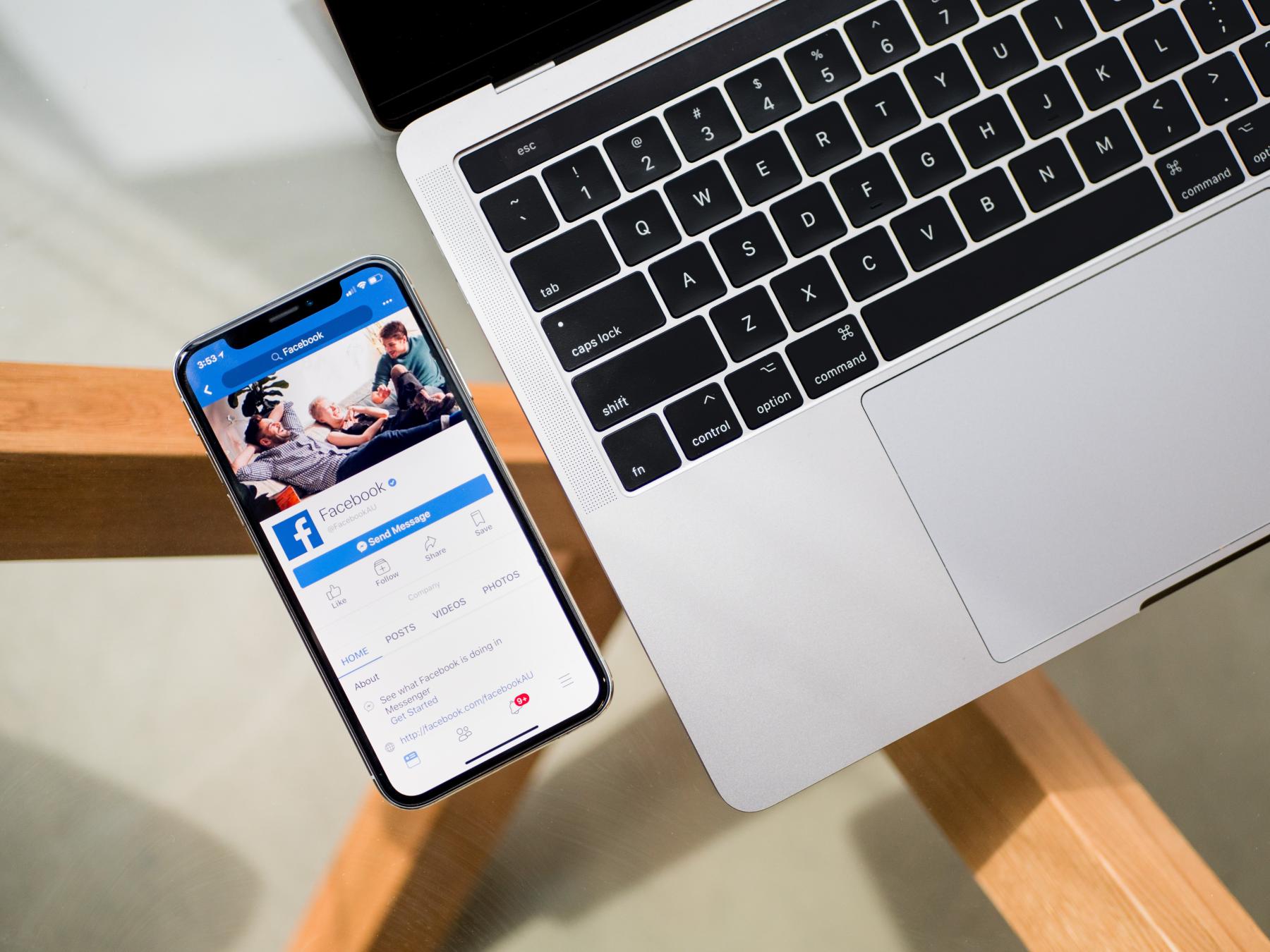
Facebook allows you to collect data from potential customers through its internal system. Facebook Lead Ads campaign is a form of advertising focused on acquiring contacts from the target group. Internet users, while browsing the portal, come across a campaign with a form in which they can fill in fields such as a phone number.
How to acquire contacts using Facebook Lead Ads?
Facebook Lead Ads is an advertisement on Facebooku with the goal of acquiring contacts. Creating such a campaign requires more advanced actions in the ad manager than a standard Facebook ad. Lead Ads are focused on obtaining contact information, and as a result, generating more sales.
On Facebook, you can gather information about your potential customers using a contact form. In the Lead Ads form, we can ask for various contact details, including:
- Name and surname
- Email address
- Phone number
- Company name
- Address or place of residence

Of course, you can create additional custom fields depending on the information you want to gather from the user.
Facebook Lead Ads campaign is a great advertising solution due to the small number of steps the recipient has to take. It is not a time-consuming survey, the user is not redirected to any website, and they can freely scroll through Facebook. You won't have to create special landing pages to encourage the user to leave their information.
What is the purpose of acquiring contacts from Facebook?
Lead Ads on Facebook allow you to create a large database of potential customers who may be interested in the displayed offer. By choosing this form of lead generation, we focus on reaching people who are actually willing to learn more details about our company.
Facebook allows you to obtain contact information that you can later use for sales purposes or for sending a newsletter.

Lead Ads can be used in any industry that wants to acquire customers on Facebook. The sector or field in which the company operates does not affect the possibility of using Lead Ads forms. The important thing is to ask yourself the question: "Does the target group use Facebook?" If the answer is yes, we highly recommend using Lead Ads campaigns and start acquiring contacts.
How does it work?
While browsing Facebook, the recipient comes across a contact advertisement in the form of a contact form. They show interest in the proposed offer and click on the button to leave their information, then fill in the displayed fields. The next step is to submit the Lead Ads form. The information that the potential customer wanted to fill in is saved in the Facebook ad panel. Contacts can be downloaded from the contact center at any time.
How to create a Facebook advertising campaign based on acquiring contacts?
Start by designing a contact form.
Click on the "Publishing Tools" tab on your FanPage, then select "All Tools" and "Instant Forms". In the next step, click the "Create Form" and "New Form" buttons. After going through this path, you need to configure the Lead Ads form. When creating an ad or ad set, you will need to give it a name and choose one of the options: higher intent or more leads.
- Higher intent - an advertising campaign focused on the quality of acquired leads and potentially higher sales
- More leads - an ad format focused on the highest number of clicks and, consequently, lead generation

When proceeding further, remember to set the language of the contact form in the settings, depending on the nationality of your target group. If you choose Poles, change the language of the form to Polish. When designing a Lead Ads ad, enter a headline, add an interesting graphic. Pay special attention to creating an effective call to action, the user must be encouraged to take advantage of your offer, otherwise they will not fill out the form.
You can also add a description to the Facebook ad to make it more readable for the recipient. You can modify the fields in the contact form and ask custom questions, but Lead Ads is a type of ad where it is better not to overdo the amount of data - it can discourage and make it difficult to acquire contact from potential customers.

Don't forget to take care of the privacy policy of your company, add a link to the privacy policy and terms and conditions for the use of acquired personal data.
What is the cost of acquiring contacts?
It is easy to guess that, just like with any advertisement, the cost of acquiring a contact is a result of many factors. It depends on the target group, industry, ad quality, and overall brand popularity. Generally, the cost of acquiring a lead ranges from a few to several hundred zlotys, although it can be more.
Share this article
Short description (you can edit)
Tip: you can edit the description before sharing on WhatsApp or adding as Facebook quote
Author of the post
Please rate this article
Local SEO tool
for agencies
Automate your local SEO
and track Google Maps visibility